




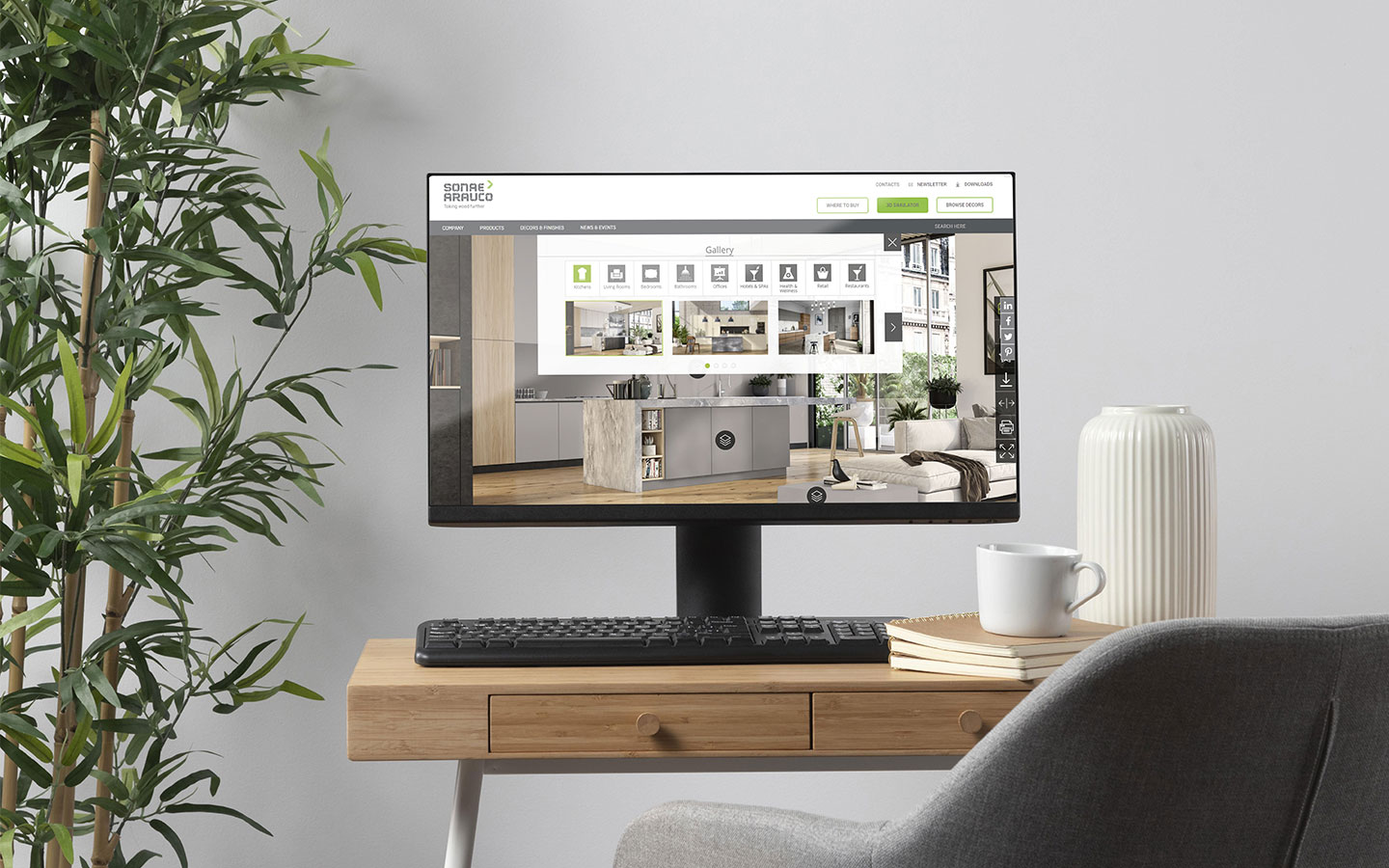
Have you ever found yourself trying to recall a particular decorative look and feel but could never quite place where you saw it last? We at Sonae Arauco understand this feeling all too well and that’s precisely why our state of the art 3D simulator takes pride of place on both our website and our Innovus App.
Not only are they easy to use, but they grant both our interior design clients and homeowners the power to quickly and effectively create decorative solutions on the fly.
What to expect from the 3D simulator.
Offering a fully interactive experience, the Sonae Arauco 3D Simulator was initially developed to create a unique path to view various decorative applications for our customers and affiliates. Our 3D simulator allows users to enjoy and peruse a range of decorative applications and options.
Designed to work in tandem with a variety of kitchen, bathroom, bedroom, and living room space canvases. Our customers are able to create a truly bespoke look and feel by selecting their favourite décors and matching them with their preferred home interior space (for example).
How it works
When you open the 3D simulator you are greeted with a selection of various tabs on the right-hand side. These tabs are intuitively placed to offer an authentic and seamless experience. The top tab opens up the gallery which allows you to choose your preferred canvas or layout. From there, pick and choose your home interior and begin decorating by navigating each decorative tab and choosing your preferred décor.
Once you’ve designed a contemporary and customised layout, you have the option to compare and contrast your design by saving them to your favourites and using the compare tab. If you’re keen to keep a copy for yourself the download tab is located just above the compare tab.
It’s that easy! Try it out for yourself here – Sonae Arauco’s 3D Simulator
Introducing the Innovus App
Created with the idea of keeping our decorative options on hand at any point and time. The Innovus App has become a must-have feature for both customers and interior design professionals.
Acting as a digital sample book for Innovus Decorative Products, you can easily apply your favourite finishes to a simulated interior. Like the 3D Simulator, this applies to most interior spaces and provides an excess of decorative combinations on your device or smartphone.
How it works
To download the Innovus App, simply tap on your application browser (Google Play or App Store) and search for Innovus. Once downloaded, the app itself is extremely intuitive and easy to use. Like the 3D Simulator, that app has a menu listed as tabs on the right-hand side, for key areas in the app, such as: home, collections, finishes, gallery, simulator and contact.
Starting with a tap of the home tab, a range of further options will become available to you. The Contact tab is a quick and easy directory for convenience. Call, email, or visit our website from here. The Gallery tab, directly underneath showcases hundreds of different trendy decorative combinations to inspire and innovate your unique taste. The third tab is a simplified version of our 3D Simulator for quick and easy referencing.
Finally, the remaining finishes and collection tab offers a detailed index of all of Innovus Decorative Products. From décor categories to our range of award-winning finishes. Information and access is within the tap of your thumbs.
Download the Innovus App here:
Android: http://ow.ly/j3st30kZmBh
Apple: https://apple.co/2uOrCyk
For more information on our wood-based decorative panels and services, visit us at https://www.sonae.projects.coppertable.co.za/